[Updated] [Free Complete Skin] Arctic

Dear Administrator,

I installed this skin for my VA website and it’s very nice! Thank you so much for your skin!!

But I facing few’s problem when using this skin, may I know how to solve the problem?

Problem 1:

When I click the [add to bid] button, the page will auto redirect to schedule detail page, it’s seems normal, but

when I going to [view my bid] page, I can’t found any bid that I added just now. Seems failed to add bit.

Problem 2:

When I am using Kacars to login my VA, it can login successfully , and also, the flight detail can be read from VA,

But when I am start the flight record, I can’t found any flight info from live map and recent flight column.

Problem 3:

The skin without the [admin panel] button, how can I add the button with just preview for website authorized person?

A lot and a lot of thanks to you and hopefully can get help from you regarding the issues I mentioned as above~

Thanks again!

1 Like

How i can change the “about” section text in the Home page?

Dear Administrator,

I installed this skin for my VA website and it’s very nice! Thank you so much for your skin!!

But I facing few’s problem when using this skin, may I know how to solve the problem?

Problem 1:

When I click the [add to bid] button, the page will auto redirect to schedule detail page, it’s seems normal, but

when I going to [view my bid] page, I can’t found any bid that I added just now. Seems failed to add bit.

Problem 2:

When I am using Kacars to login my VA, it can login successfully , and also, the flight detail can be read from VA,

But when I am start the flight record, I can’t found any flight info from live map and recent flight column.

Problem 3:

The skin without the [admin panel] button, how can I add the button with just preview for website authorized person?

A lot and a lot of thanks to you and hopefully can get help from you regarding the issues I mentioned as above~

Thanks again!

Hello,

Thank you for your feedback, I am glad you like the skin. I am currently away for a month on some business. Unfortunately, I am not able to address those issues at the moment, but as soon as I come back I will release an update to this skin that should take care of each of those 3 issues that have been mentioned previously.

Kind Regards,

Ryan H.

Demo link is full of errors.

Looks like a PHP version issue

Cant download this anymore from your site.

The preview & download link have been updated with our new licensing system.

Can’t get to the skin. Get the following:

SuccessWithNickJones.com will be up and running shortly!

Can’t get to the skin. Get the following:

SuccessWithNickJones.com will be up and running shortly!

I just tested the link, and it seems to be working out fine. The redirect is unusual though, but it’s definitely not on our side.

Could some one talk me through how I add the recent news? im fairly new to PHPVMS. Much appreciated!

How do i get to the admin center?

1 Like

How do i get to the admin center?

You need to just head over to your /admin directory; ie. If your website is example.com, your admin panel is example.com/admin

The download link on the website has been changed to a github repository. Download this skin the same way you would download a module.

This does not work, when you extract it to the skins folder and activate it you just get unformatted text and 0 images of any kind. Same with the other skin too by you.

This does not work, when you extract it to the skins folder and activate it you just get unformatted text and 0 images of any kind. Same with the other skin too by you.

All issues fixed. Had to do with Github’s folder naming not matching with the code.
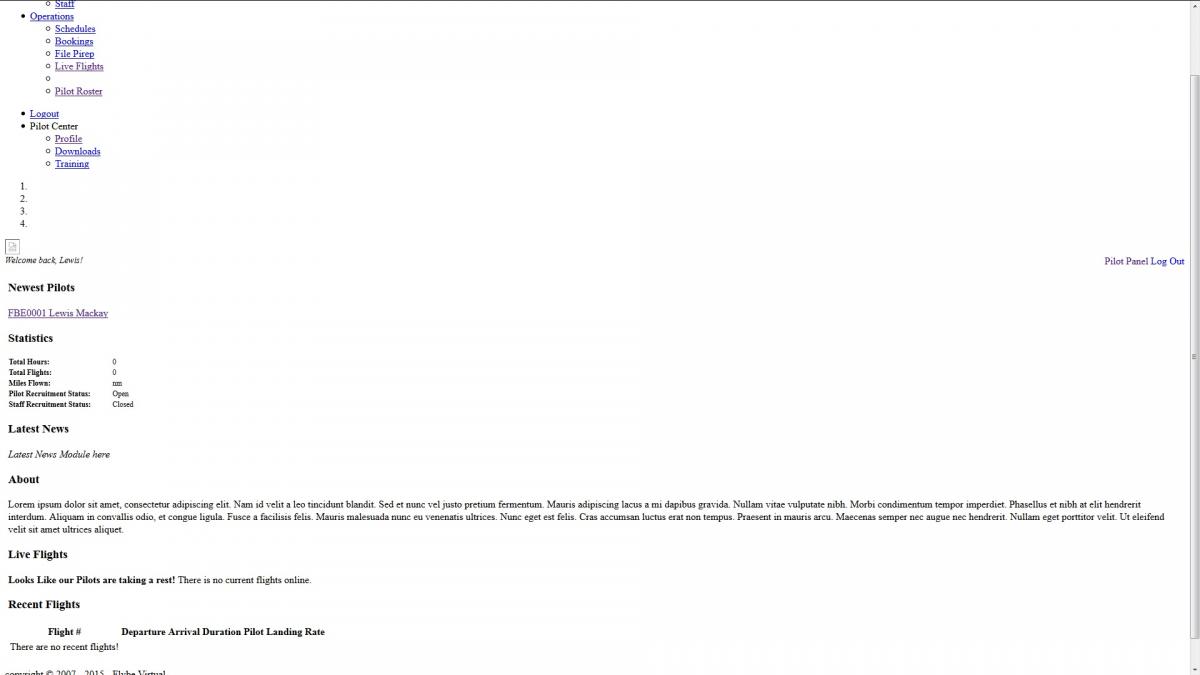
Sorry same problem with a re-download.

post-47013-0-80727000-1423854390.jpg

Hi very good.

I am troubled when booking a flight, I click ADD to BID and get the message No route passed.

Sorry same problem with a re-download.

That’s easy to fix, you must have the latest version assumes no PHP and TPL, if so you just have to change the extensions for php.

Hi very good.

I am troubled when booking a flight, I click ADD to BID and get the message No route passed.

???

We’re working on an update that addresses most issues that have been posted here. Please check this post again, in 3 days.