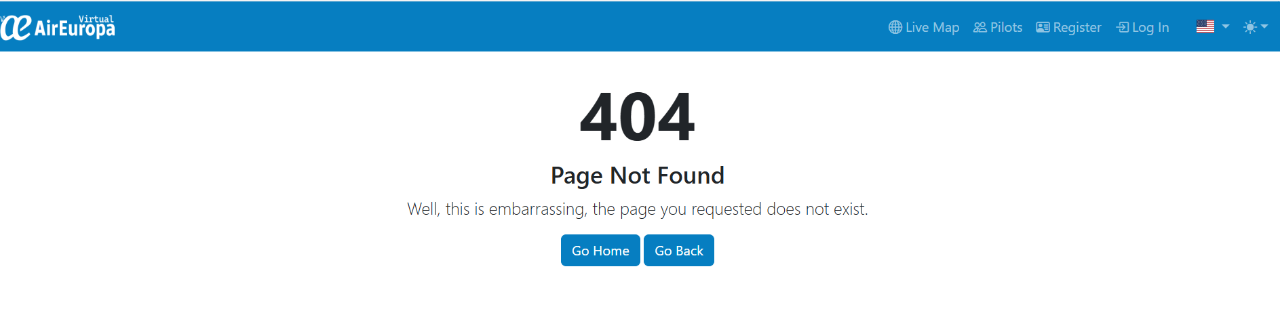
Hi yes i did both of those. The screenshot above is off the frontend page
The screenshot above does not show the menu after login, it is the public frontend. This is why I asked about any new menu items.
Clicking those buttons from admin modules page may end up nothing if it is designed that way, a module can leave them empty/null and provide only a page a frontend which needs to be clicked from frontend etc. etc. As an example, my modules have lots of frontend links, and nothing is defined for the button you try to click, same for admin pages too. This module may be the same, therefore you should check its documents (if any) and try checking your frontend menu after logging in to your phpvms.
Many thanks for your reply. Unfortunately the module installation did not add anything to the NAV section when logged in. Any other modules that I have installed has added an item to the nav bar. The strange thing is also if I delete the module my site does not work and I get a 505 and I have to manually reinstall it to get my site working again.
Your last post helped me. After doing more reading and studying your post I realized that the module did not provide links on the web page. In other words the module is working you just have to come in from a different angle. Phew you learn something everyday. I just have to play about now to add them to my site but thanks you. Your help did help me