getting blank pages when i view them any idea how resolve the problem
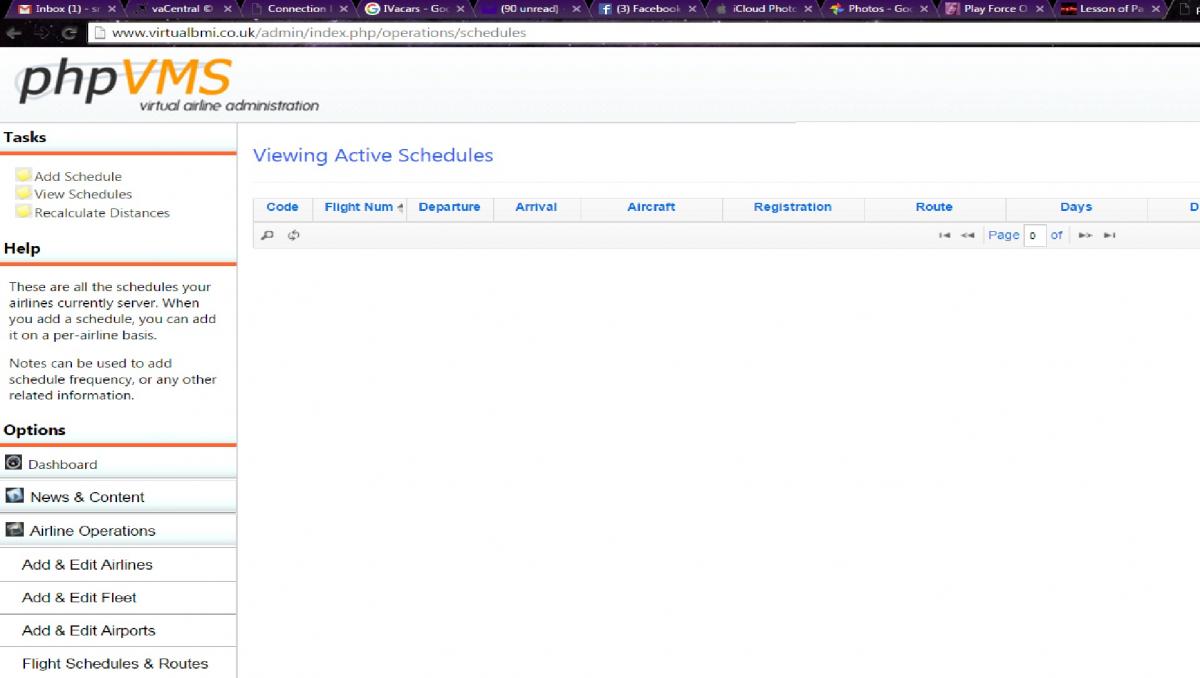
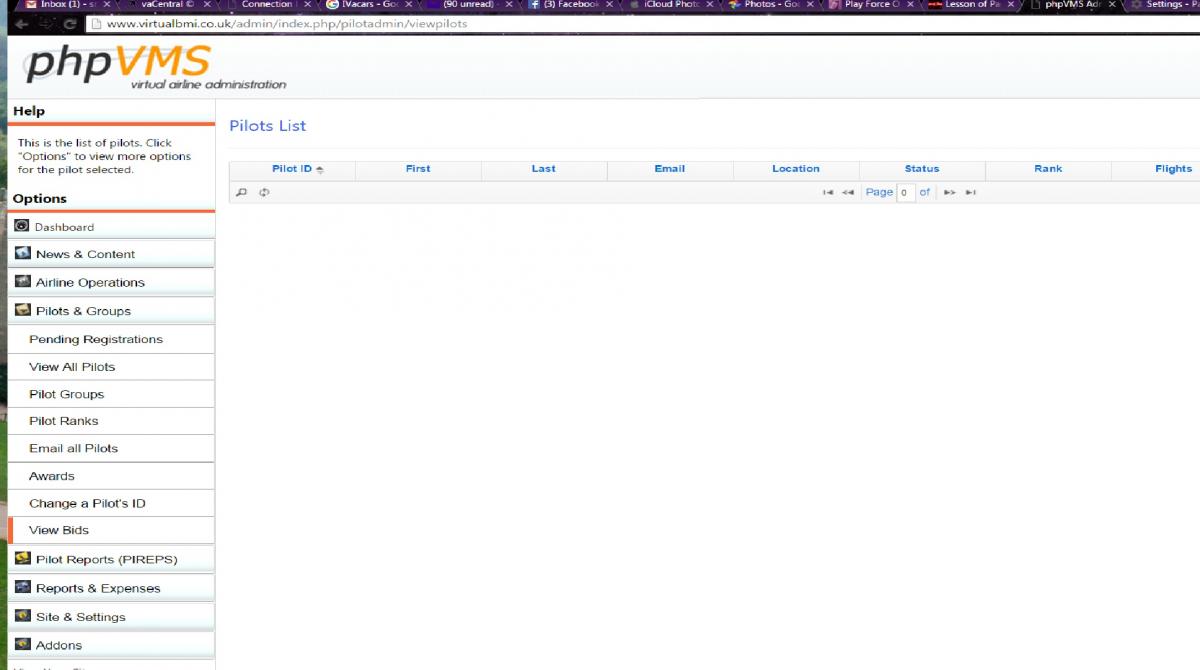
getting blank pages when i view them any idea how resolve the problem
Go into your admin/action.php and find this line
error_reporting(E_ALL ^ E_NOTICE);
and replace it with this
ini_set('error_reporting', E_ALL & ~E_NOTICE & ~E_STRICT & ~E_DEPRECATED);
Possibly one of these issues;
Go into your admin/action.php and find this line
error_reporting(E_ALL ^ E_NOTICE);
and replace it with this
ini_set(‘error_reporting’, E_ALL & ~E_NOTICE & ~E_STRICT & ~E_DEPRECATED);
i done that still the same
Possibly one of these issues;
checked my local.config.php nothing has changed
<?php
/**
* This is the phpVMS Main Configuration File
*
* This file won’t be modified/touched by future versions
* of phpVMS, you can change your settings here
*
* There may also be additional settings in app.config.php
* To change it, copy the line into this file here, for the
* settings to take effect
*
*/
Config::Set(‘DEBUG_MODE’, false);
Config::Set(‘DEBUG_LEVEL’, 1); // 1 logs query errors, 2 logs all queries
Config::Set(‘ERROR_LEVEL’, E_ALL ^ E_NOTICE);
define(‘DBASE_USER’, ‘removed by servetas’);
define(‘DBASE_PASS’, ‘removed by servetas’);
define(‘DBASE_NAME’, ‘removed by servetas’);
define(‘DBASE_SERVER’, ‘removed by servetas’);
define(‘DBASE_TYPE’, ‘mysql’);
define(‘TABLE_PREFIX’, ‘phpvms_’);
define(‘SITE_URL’, ‘http://www.virtualbmi.co.uk’);
Config::Set(‘PAGE_ENCODING’, ‘ISO-8859-1’);
Config::Set(‘URL_REWRITE’, true);
Config::Set(‘MAINTENANCE_MODE’, false);
Config::Set(‘MAINTENANCE_MESSAGE’, ‘We are currently down for maintenance, please check back soon.’);
/* Whether you have the /admin/maintenance.php script added into cron.
If you do, set this to true. This saves many DB calls since phpVMS will
have to ‘fake’ a cron-job
*/
Config::Set(‘USE_CRON’, false);
Config::Set(‘CHECK_RELEASE_VERSION’, true);
Config::Set(‘CHECK_BETA_VERSION’, false);
Config::Set(‘PAGE_EXT’, ‘.htm’); # .htm is fine. You can still run PHP
Config::Set(‘PILOTID_OFFSET’, 0); # What # to start pilot ID’s from
Config::Set(‘PILOTID_LENGTH’, 4); # Length of the Pilot ID
Config::Set(‘UNITS’, ‘nm’); # Your units: nm, mi or km
Config::Set(‘LOAD_FACTOR’, ‘82’); # %age load factor
Config::Set(‘CARGO_UNITS’, ‘lbs’);
Config::Set(‘PILOT_AUTO_RETIRE’, true);
Config::Set(‘PILOT_INACTIVE_TIME’, 40);
Config::Set(‘PILOT_AUTO_CONFIRM’, false);
Config::Set(‘RANKS_AUTOCALCULATE’, true);
Config::Set(‘FUEL_GET_LIVE_PRICE’, true);
Config::Set(‘FUEL_DEFAULT_PRICE’, ‘0..82’);
Config::Set(‘FUEL_SURCHARGE’, ‘1.0’);
/*
This is the unit of money. For non-dollars, use :
Dollars ($), enter “$”
Euro (�), enter “€”
Yen (�), enter “¥”
Pounds (�), enter "£
For example, to set EUROS:
Config::Set(‘MONEY_UNIT’, ‘£’);
*/
Config::Set(‘MONEY_UNIT’, ‘£’);
Config::Set(‘PIREP_CUSTOM_FIELD_EDIT’, ‘48’);
Config::Set(‘DISABLE_SCHED_ON_BID’, true);
Config::Set(‘DISABLE_BIDS_ON_BID’, false);
Config::Set(‘TRANSFER_HOURS_IN_RANKS’, false);
Config::Set(‘USERS_ONLINE_TIME’, 10);
Config::Set(‘MAP_WIDTH’, ‘1100px’);
Config::Set(‘MAP_HEIGHT’, ‘500px’);
Config::Set(‘MAP_TYPE’, ‘G_PHYSICAL_MAP’);
Config::Set(‘MAP_LINE_COLOR’, ‘#ff0000’);
Config::Set(‘MAP_CENTER_LAT’, ‘52.187405’);
Config::Set(‘MAP_CENTER_LNG’, ‘-0.878906’);
Config::Set(‘MAP_ZOOM_LEVEL’, 139);
Config::Set(‘ACARS_LIVE_TIME’, 5);
Config::Set(‘ACARS_DEBUG’, false);
Config::Set(‘TWITTER_AIRLINE_ACCOUNT’, ‘’);
Config::Set(‘TWITTER_ENABLE_PUSH’, false);
Config::Set(‘TWITTER_CONSUMER_KEY’, ‘’);
Config::Set(‘TWITTER_CONSUMER_SECRET’, ‘’);
Config::Set(‘TWITTER_OAUTH_TOKEN’, ‘’);
Config::Set(‘TWITTER_OAUTH_SECRET’, ‘’);
Config::Set(‘PHPVMS_API_SERVER’, ‘http://apidev.phpvms.net’);
Config::Set(‘VACENTRAL_ENABLED’, true);
Config::Set(‘VACENTRAL_API_SERVER’, ‘http://api.vacentral.net’);
Config::Set(‘VACENTRAL_API_KEY’, ‘3b9c4e77b37bf3c1959be7e220003b25’);
Config::Set(‘VACENTRAL_DEBUG_MODE’, false);
Config::Set(‘VACENTRAL_DEBUG_DETAIL’, 2);
/* Keys for recaptcha, you can change these if you want to your own but it’s
a global key so it should just work */
Config::Set(‘RECAPTCHA_PUBLIC_KEY’, ‘6LfyewUTAAAAADrPyFFV3lXIhKzwjm7p1MlrJmfP’);
Config::Set(‘RECAPTCHA_PRIVATE_KEY’, ‘6LfyewUTAAAAAPmG7_ccIZ6V_cPfpwn6eF15MyJm’);
First thing, if those are really your database credentials you posted, you need to change them on your server before someone starts playing games with it.
Start looking in Firebug or even the Firefox error panel when you go to one of those pages and see what, if any, errors are showing up.
the pages was working fine upto the other day
Use of getAttributeNode() is deprecated. Use getAttribute() instead. jquery.min.js:48:120
SyntaxError: missing ) in parenthetical
Did you try to reach your web hosting provider? Did they upgrade anything on your server? (php, mysql etc)
i have not contact them at all bout it yet
i have check mysql all the data is there with the information for the Schedules & Pilots List
Something had to change, either on your site or on the server. You need to think back, was there anything that was edited on the site or something unexpected recently?
i only thing as changed on the site me adding SimBrief which im still doing
i have manged to sort it by Site Backups and Restore
What was the issue?
no idea what the issue was as i restore from saved backup from the hosting provider which sorted it