Rules and Regulations v1.1
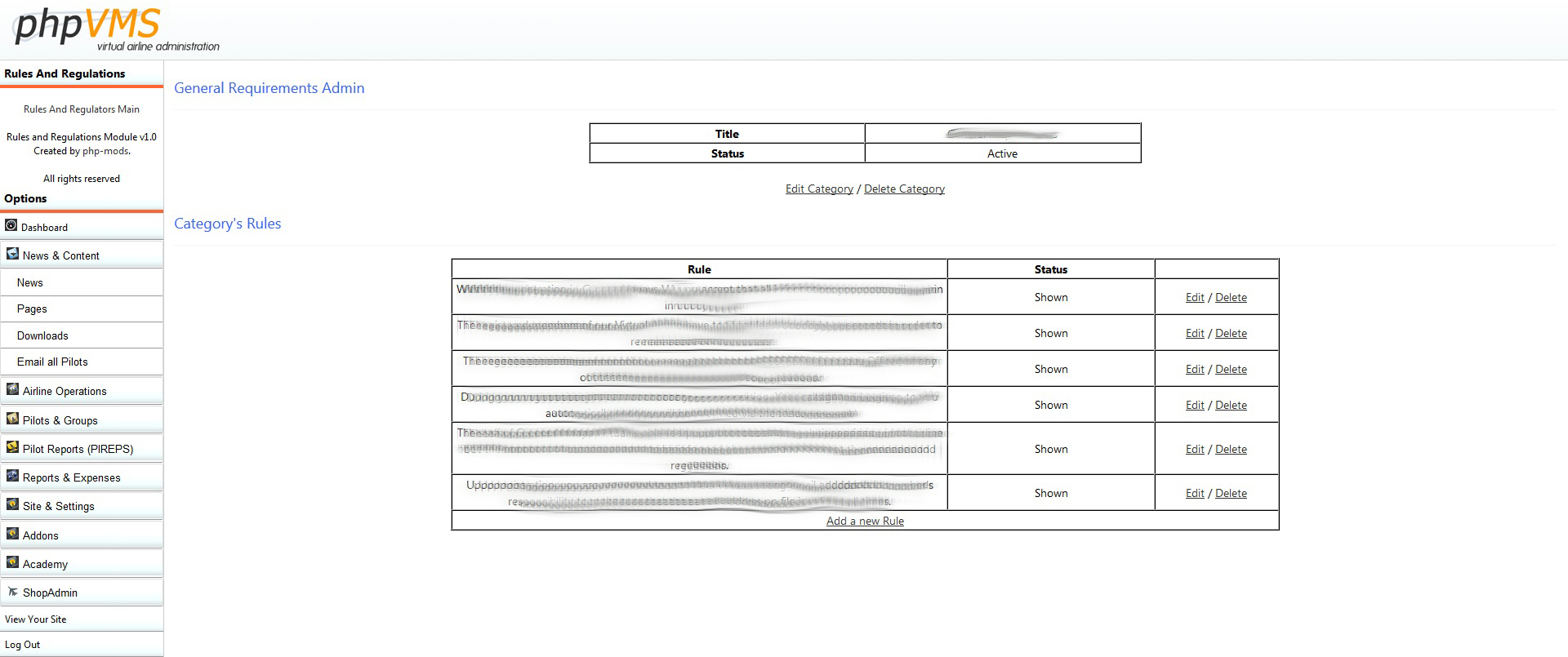
You can add rules categories and add new rules to these categories.
After that you may remove the Registration for from the public and just redirect your users to this page.
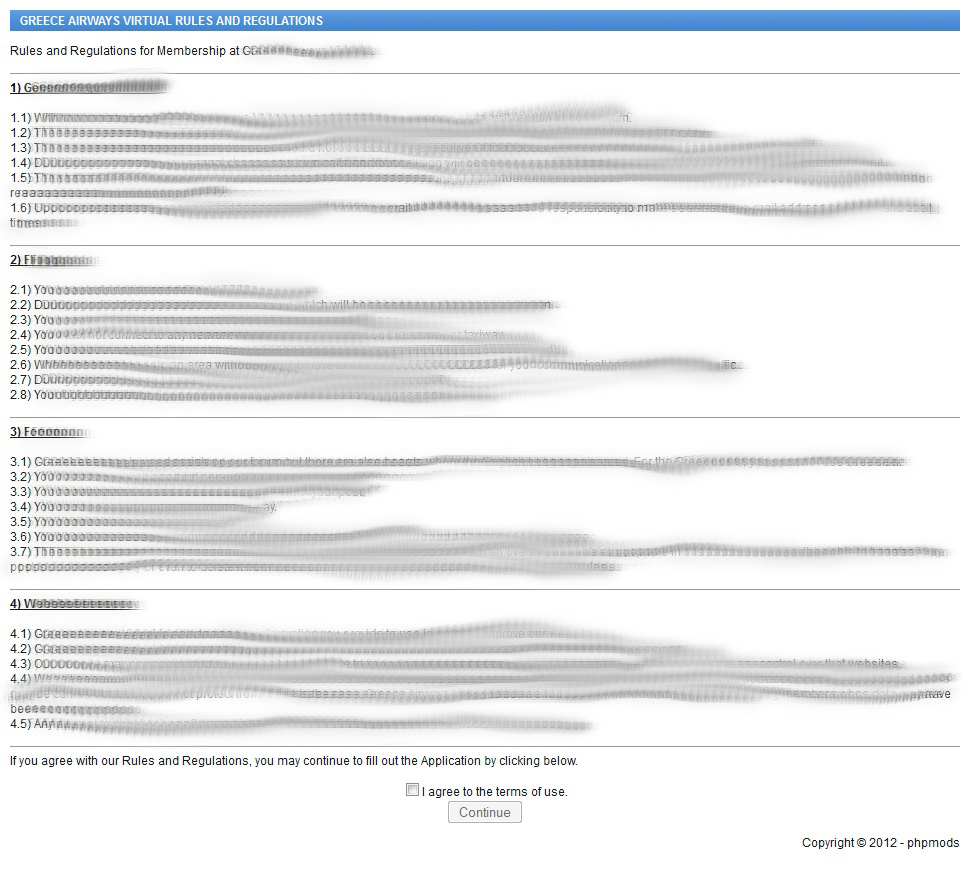
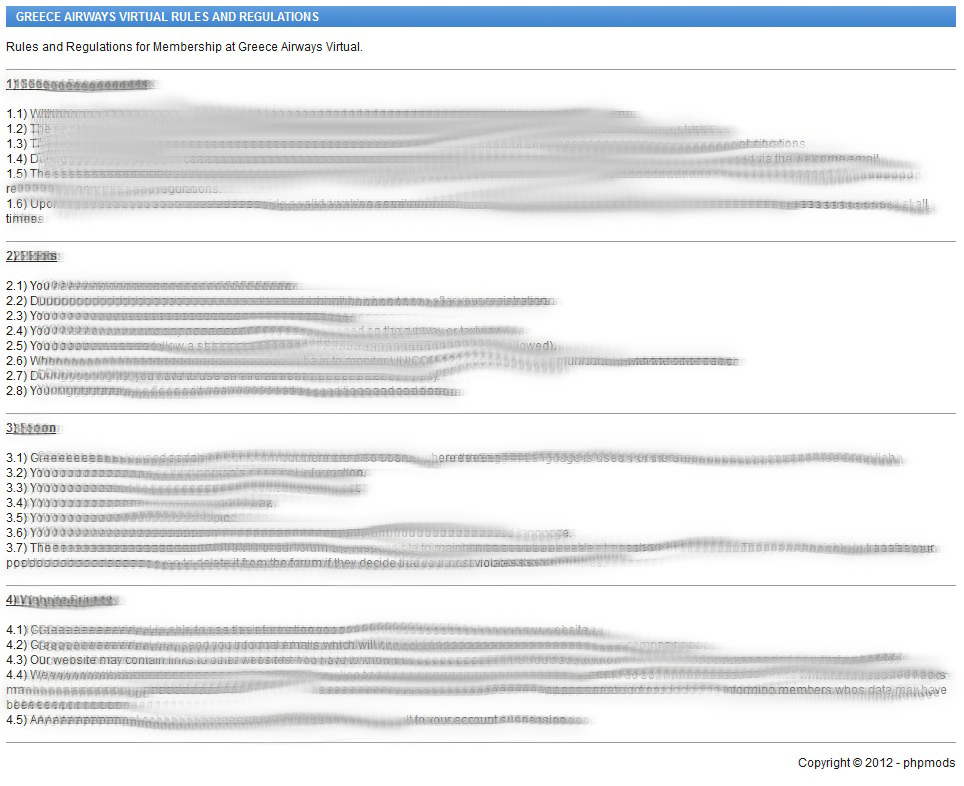
The user has to accept the rules in order to proceed with his registration on your virtual airline.
This module was developed by php-mods and it is registered under Creative Commons Attribution-Noncommercial-Share Alike 3.0 Unported License.
How to Install?
Copy and upload the files same as the structure as your phpvms files.
Run R&RInstallSql - this is going to install the database tables.
Delete R&RInstallSql folder. (IMPORTANT)
If you want to link your website’s visitors/users to this module, use this:
www.yoursite.com/index.php/scenery -or- <?php echo url('/ruleregs'); ?>
Screenshots
Rules Category Administration: http://php-mods.eu/m…/ruleregs/1.jpg
Rules Administration: http://php-mods.eu/m…/ruleregs/2.jpg
Module’s public page for those who are not logged in: http://php-mods.eu/m…/ruleregs/4.jpg
Module’s public page for those who are logged in: http://php-mods.eu/m…/ruleregs/3.jpg
Download
The module has been uploaded on github and you can download it here .
Support will be offered by this forum. If you have any questions do not hesitate to contact us.
Txmmy83
September 2, 2012, 11:40am
2
thank you very much for this module
will be soon in use at my Airline
best regards,
Thomas
Thank you very much!
If you have any problem just post it . More modules to follow…
Txmmy83
September 2, 2012, 12:58pm
4
small problem it installed right but I have small problem when I add a category with the admin backend it doesn’t appear in list
message is You have not added any rule categories yet.
looked in my database via cpanel the table structure is there but no added entry categorie
any ideas?
Can you check your database table named YOURTABLEPREFIXrules_categories if your value exists there? This will help me understand where is the problem (on the category insert or on the category list).
Edit: Did you run the R&RInstallSql in order to install you database tables?
Txmmy83
September 2, 2012, 1:14pm
6
yes I ran the install script
in database I have the following
phpvms_fssrules
phpvms_fssrules_categories
it seems that the mod does not write into database
could it be that the name need to be changed “fssrules_categories” to “rules_categories” and “fssrules” to “rules”
Ok, problem solved. Just re-download the R&RInstallSql folder and re-run it. I had set it to install the tables with the prefix i am using for my own site . You can find it on github . You can also delete those tables (phpvms_fssrules & phpvms_fssrules_categories) because the installer is going to create the new one’s.
Txmmy83
September 2, 2012, 1:24pm
8
just done it my self via database works like a dream now
1 Like
Txmmy83
September 2, 2012, 3:40pm
10
a question not exactly mod specific but partly it is
for a LOA policy what is realistic
when did your VA need pilots to file a LOA request? 14 days or more?
Unfortunately we are not using LOA so personally i cannot help you . If someone could suggest us or inform us about his va policy, it would be great!
Txmmy83
September 2, 2012, 3:47pm
12
Unfortunately we are not using LOA so personally i cannot help you . If someone could suggest us or inform us about his va policy, it would be great!
I may ask Sava who created the LOA mod
TAV1702
December 7, 2012, 2:04am
13
I really like this mod and it works great.
I think it would be top notch if after creating a new rule or category, when it says success, it would auto redirect back to the rules regs main.
Obviously i left something behind . I’ll do this during the afternoon.
UPDATE V1.1 (30/12/2012)
We would like to inform you that the version 1.1 has been released. We just edited the module’s files after TAV1702’ s request. You may find the download like on the first post.
1 Like
Nice! Thanks. Will go check it out now.
Thank you so much for this mod
Hi,
I’ve downloaded the mod’ but when i use accent like "é,è, ê or à " it not appear the good way.
For exemple I write “Généralité” ( yes I’m french) and it appears like " Généralite"
Do you know why??
Hello,
Do you have access to your phpmyadmin? If yes, please find your TABLE_PREFIX rules table and check the “rules” field collation. Is it utf8_general_ci?